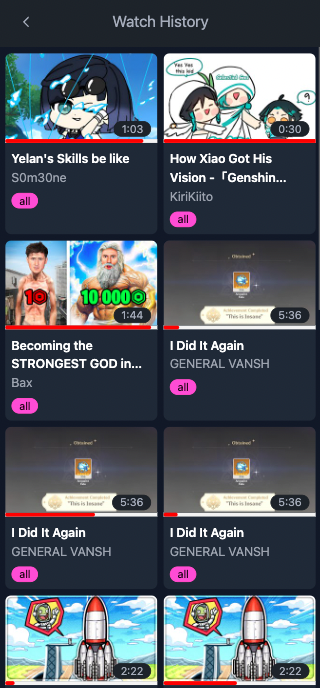
GT
GTAppearance
Installation and Configuration
Step 1: Create a Parent Account
- Go to the website Parent Dashboard.
- Click on the "Sign up" link and fill out the registration form to complete the registration process.
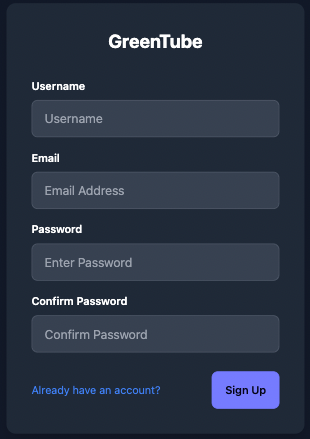
Step 2: Installing the Extension from the Web Store
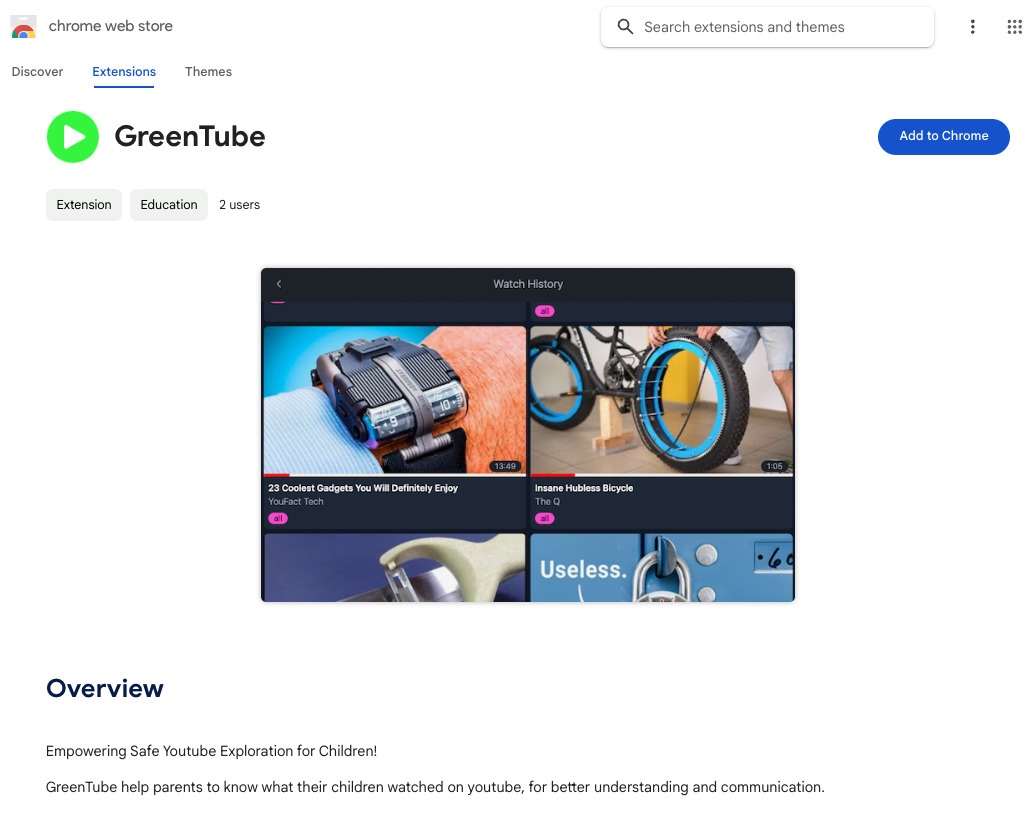
- Download the Chrome extension called GreenTube.
Step 3: Configuration
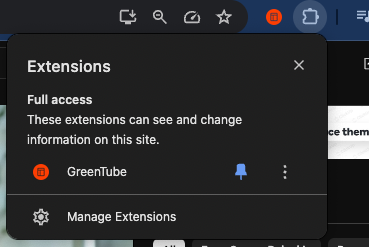
- Click on the extension icon to initiate the configuration process.
- Log in using your username or email.
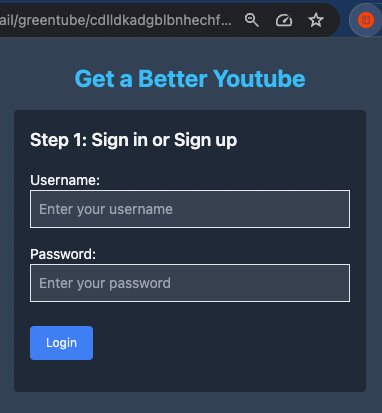
- You can either create a child account or select an existing one from the list if you have already created them.
Congratulations!
You have completed the setup.
You can now access your dashboard anytime by either selecting the parent mode from the extension icon or visiting Parent Dashboard.